How to Install IPTV on Any Device — Complete Setup Guide
ANDROID
How to set up IPTV on Android using IPTV Smarters Player ?
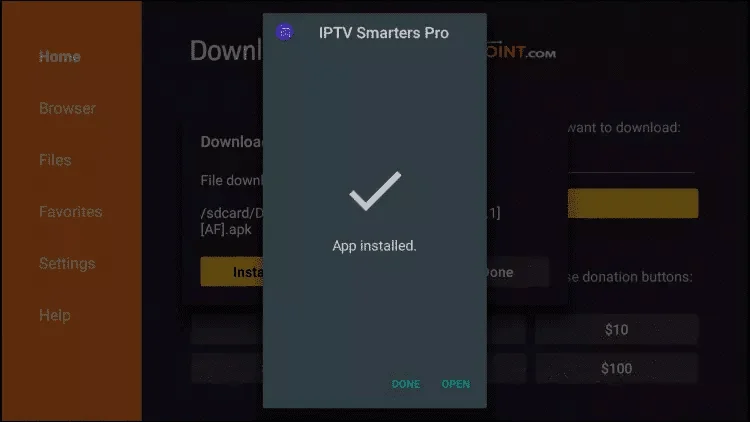
Step 1: Begin by downloading the IPTV Smarters app from this URL:
https://www.iptvsmarters.com/smarters.apk
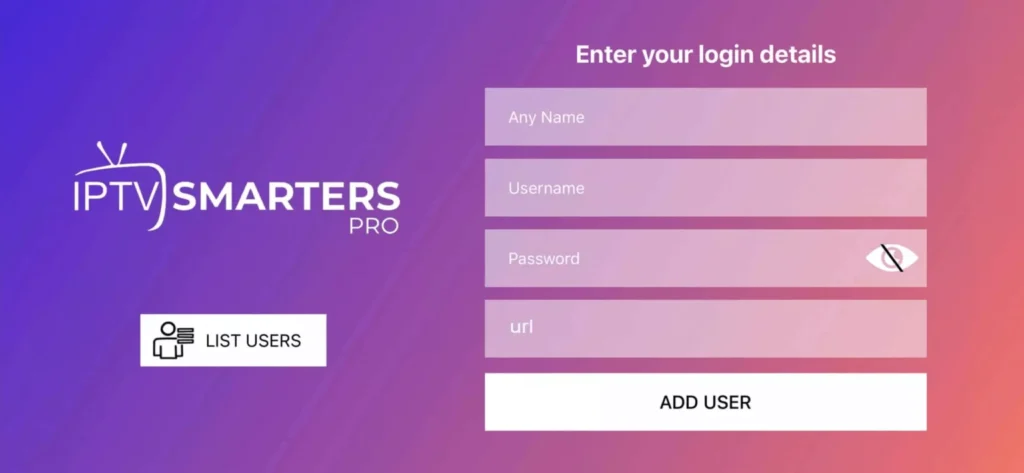
Step 2: Open the downloaded app and enter the login information.
Step 3: Enter the login details provided after subscription and press “Add User.”
Step 4: Wait for a few seconds.
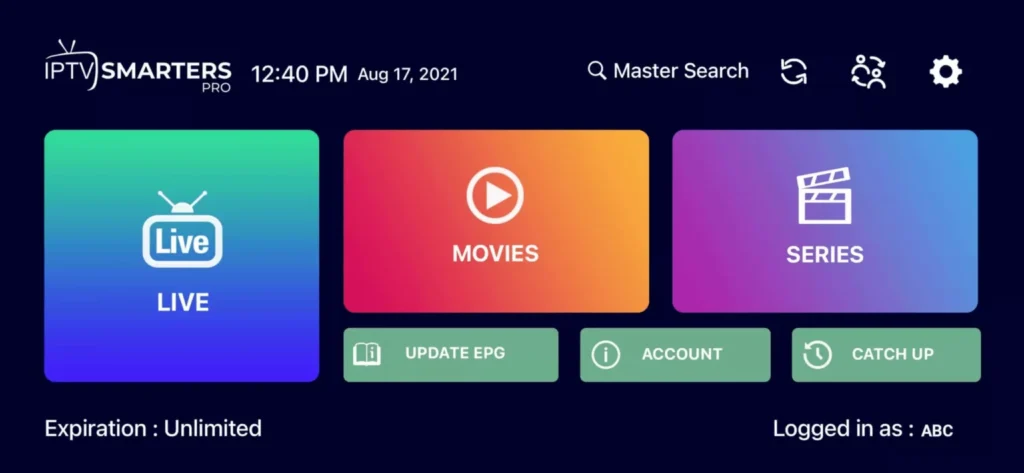
Step 5: Click on the “Live TV” icon as shown in the image.
Step 6: Now, select the channel group you want to watch and proceed to the next section.
Step 7: Click on the channel name, then double-click on the small screen to go full screen in the final step.
WINDOWS / MAC
Installation on Windows:
Download the IPTV Smarters application by clicking here.
Installation on MAC:
Download the IPTV Smarters application by clicking here.
FIRETV STICK
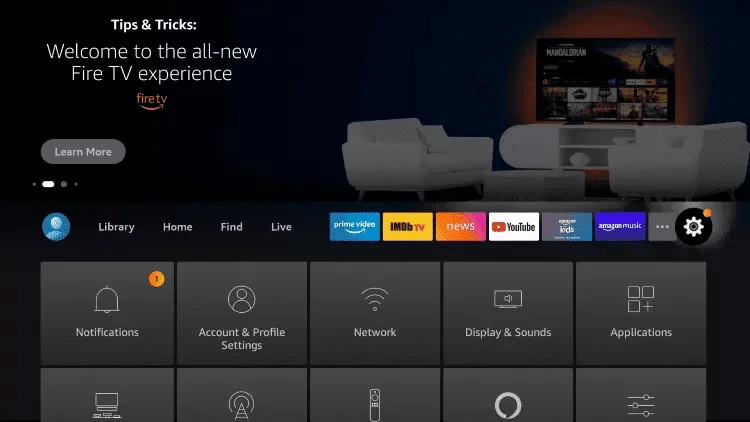
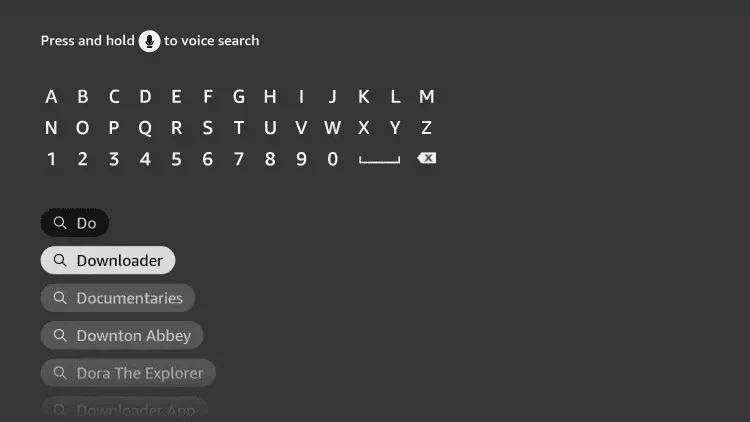
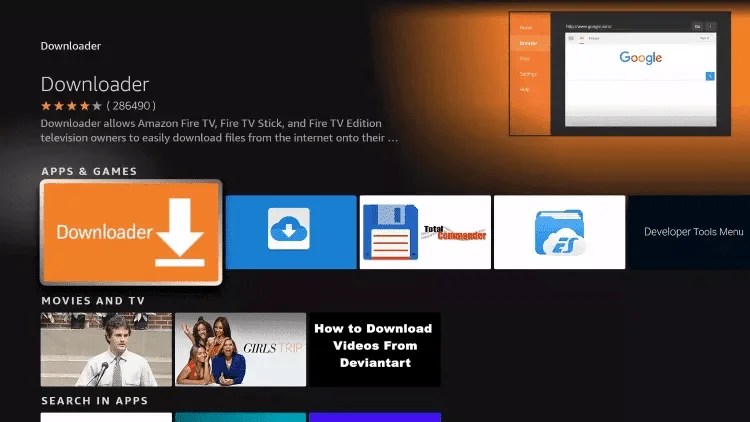
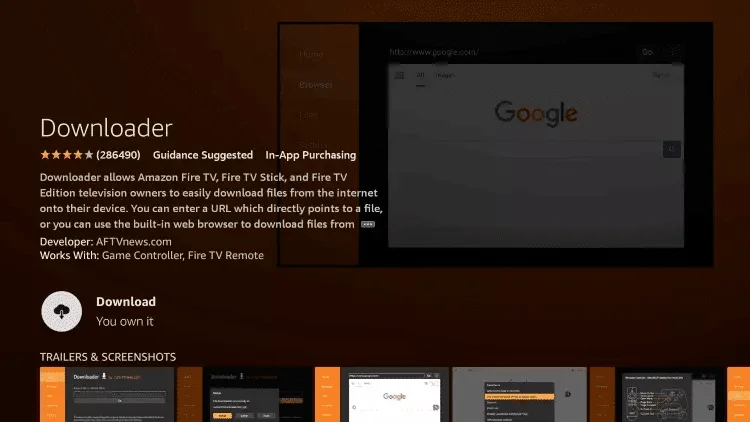
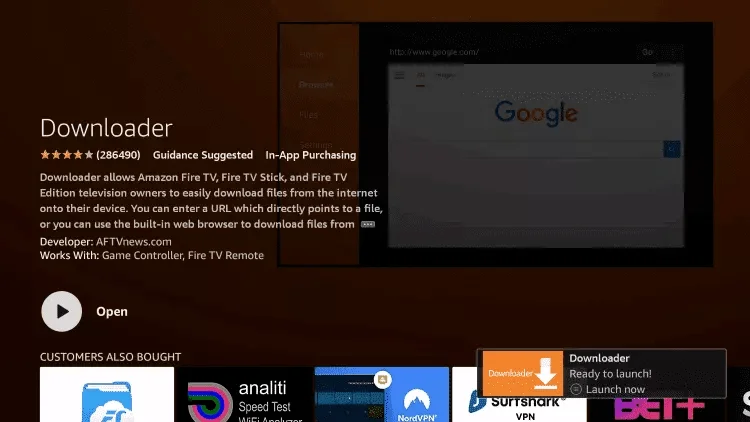
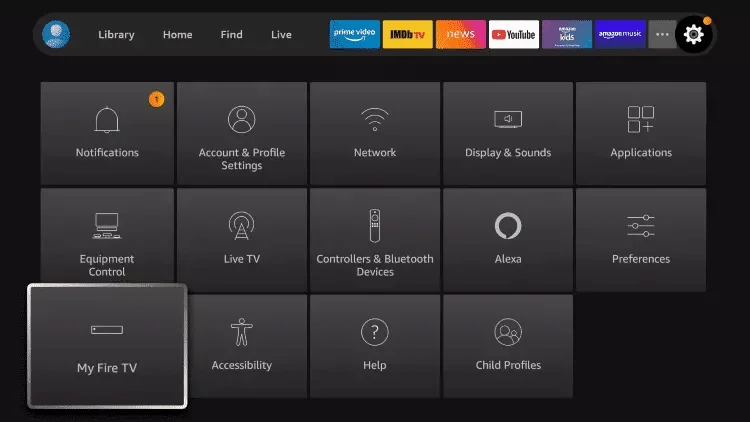
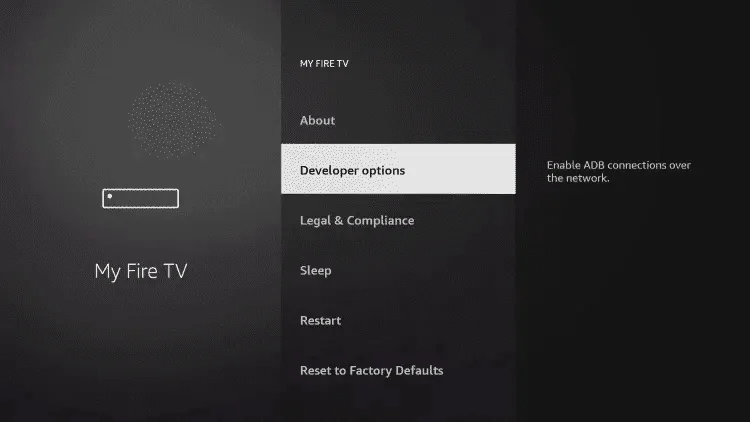
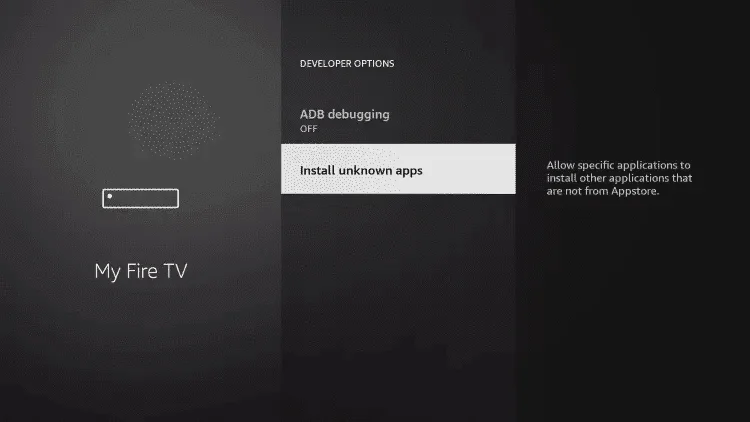
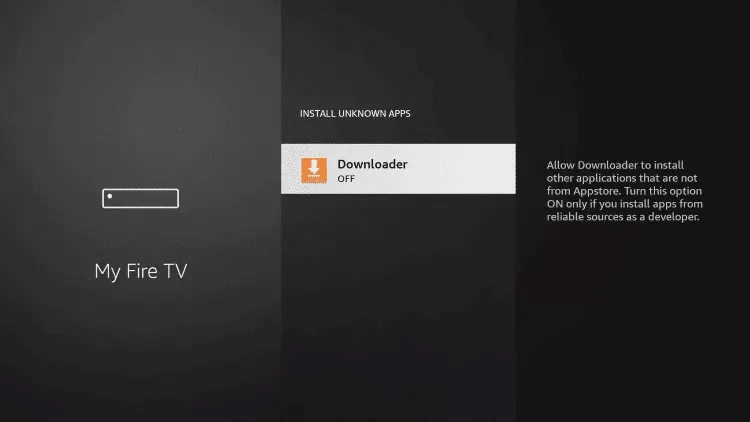
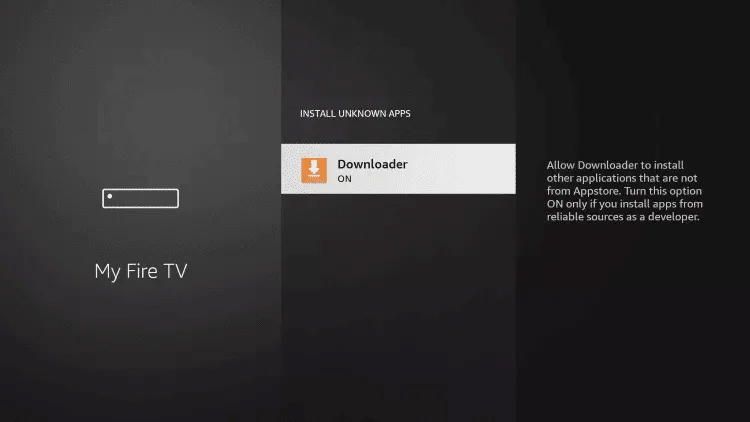
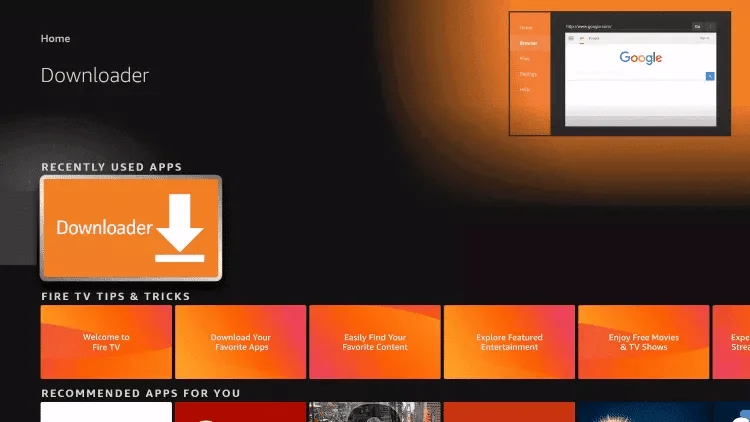
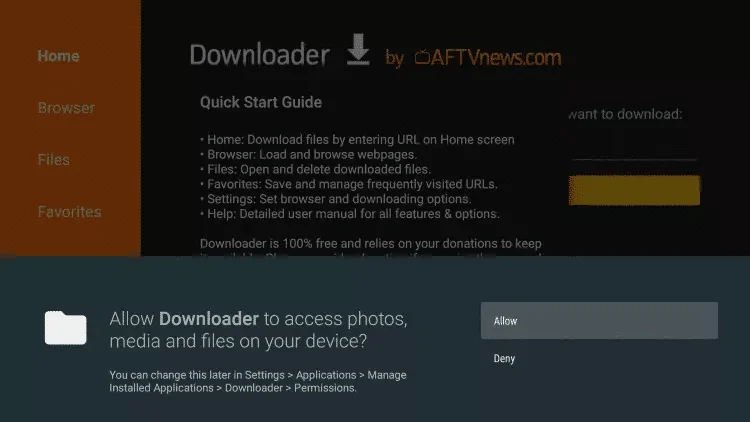
How to set up IPTV on Fire TV Stick
1: From your device’s home screen, hover over the Search option.
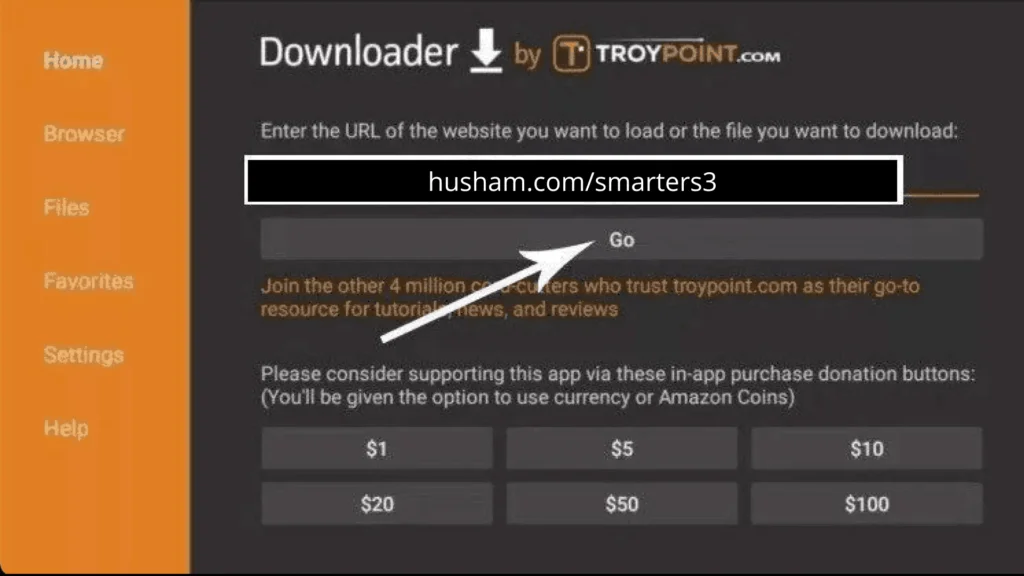
16.Type the following URL exactly as shown: https://www.iptvsmarters.com/smarters.apk and click on Go.
20.Open IPTV Smarters IPTV, then select Connect with Xtream API.
21.Enter the login information that we sent you via WhatsApp, email, or chat.
MAC / IOS
How to set up IPTV on Apple/iOS with IPTV Smarters Player:
Step 1: Start by downloading the IPTV Smarters app from the Apple Store using this URL: https://apps.apple.com/in/app/smarters-player-lite/id1628995509
- Alternatively, you can download it from the App Store.
Step 2: Open the app once downloaded and enter the login information.
Step 3: Enter the login details provided after subscription and press “Add User.”
Step 4: Wait for a few seconds.
Step 5: Click on the “Live TV” icon as shown in the image.
Step 6: Now, select the channel group you want to watch and proceed to the next section.
Step 7: Click on the channel name, then double-click on the small screen to go full screen in the final step.
Smart TV
For Samsung Smart TV:
Step 1: Press the Smart Hub button on your remote.
Step 2: Search for IPTV Smarters Pro to install it.
Step 3: Log in to the application with your subscription details: username, password, portal URL.
For LG Smart TV:
Step 1: Press the Home button on the remote and go to LG Content Store.
Step 2: Search for IPTV Smarters Pro to install it.
Step 3: Log in to the application with your subscription details: username, password, portal URL.